Create a Cosplay Corner in a Small Room
A small cosplay corner works best when it supports a sequence: prepare, check, put away. It does not need to display every accessory or become a permanent photo studio. A compact area that is easy to reset can be more useful than a large setup that blocks the rest of the room.
Start by choosing the task you do most often. If you regularly fit costumes, prioritize a clear mirror area. If you film short videos, prioritize a repeatable camera position. If you enjoy collecting, reserve a small display surface without sacrificing the working area.
Divide the corner into three jobs
The preparation area holds what you are using now. The display area shows one or two pieces. The return area receives everything after an event. These can be three sections of one desk or shelf rather than three separate pieces of furniture.
A tray can define the current project. A small shelf can hold the display. A labeled container can hold items waiting to be checked and returned to their normal places. The distinction prevents half-finished tasks from spreading across the entire room.
Measure the actions, not only the furniture
Stand where you would try on the costume and move your arms normally. Open the drawer or container you plan to use. Sit down if you fit wrist or chest accessories while seated. A shelf that physically fits in the corner may still obstruct the movements you need.
Leave the route through the room clear. Avoid placing a tripod where you must step over it every day. Mark a camera position you can recreate, then store the support when you are not filming.

Give current projects a limit
Choose a maximum number of active costume combinations for the corner. One outfit and its accessories may be enough. Other projects can remain in their designated storage until you are ready to work on them.
Use a small card to record the next action: “check jacket clearance,” “photograph the wrist detail,” or “confirm the event policy.” This is more useful than leaving every component spread out as a reminder.
Make the display flexible
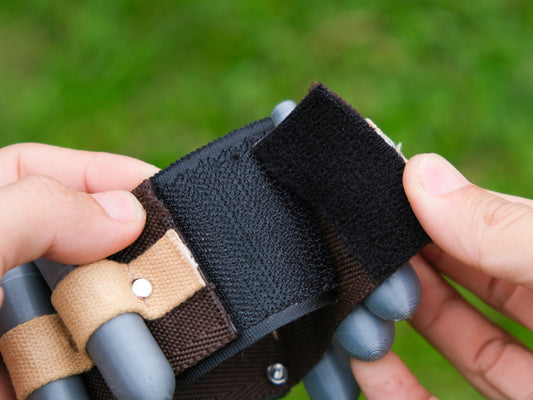
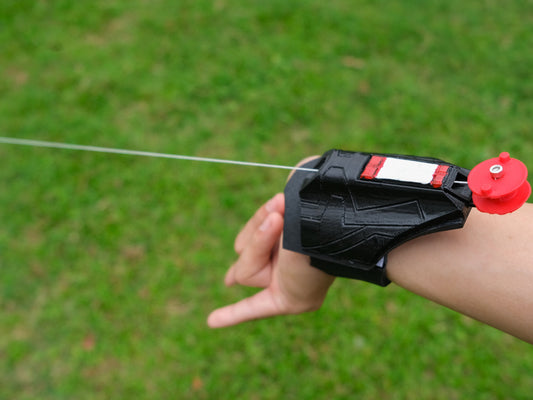
Choose one piece that can move easily between display and use. A supported web shooter or an unlit arc reactor can provide a visual focal point without needing a whole cabinet. Rotate the display when your current project changes.
Keep the support appropriate to the object and avoid placing props near heaters or direct sunlight. For care and material-specific handling, use the prop care guide. The room layout should make those good habits easier.
Create a two-minute reset
- Return the current outfit pieces to their assigned place.
- Place small accessories in the matching container.
- Record any unfinished task on the project card.
- Clear the preparation surface.
- Leave only the chosen display object visible.
The reset should be simple enough to do when you are tired after an event. If returning one item requires moving several others, change the layout. The best system is the one that makes the next session easy to begin.
Let the corner grow only when a task requires it
Before adding another shelf or light, identify the problem it solves. If your videos need a plain background, a removable panel may be enough. If small parts keep getting mixed up, clearer labels may help more than extra furniture.
Browse web shooter designs for a compact display focal point, and use the collection catalog template to track pieces that do not need to live in the active corner.